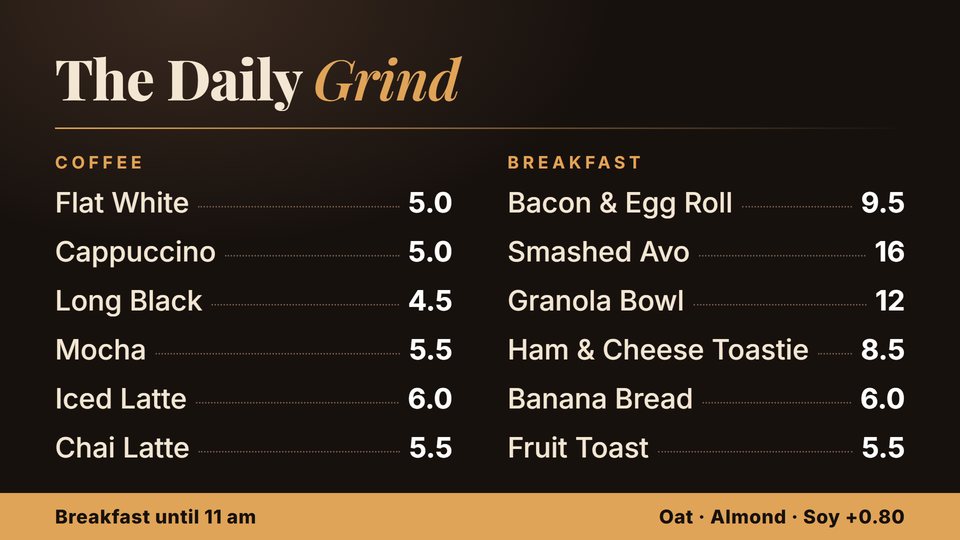
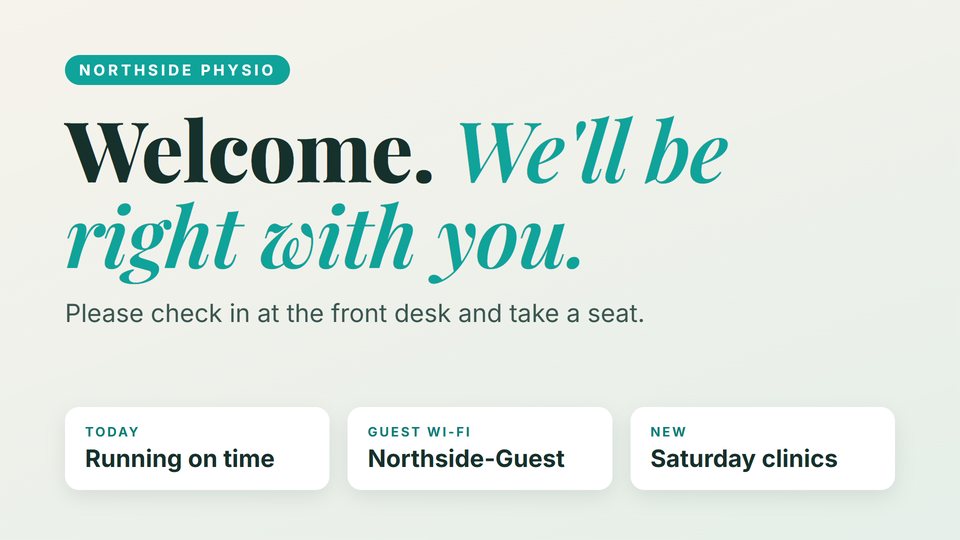
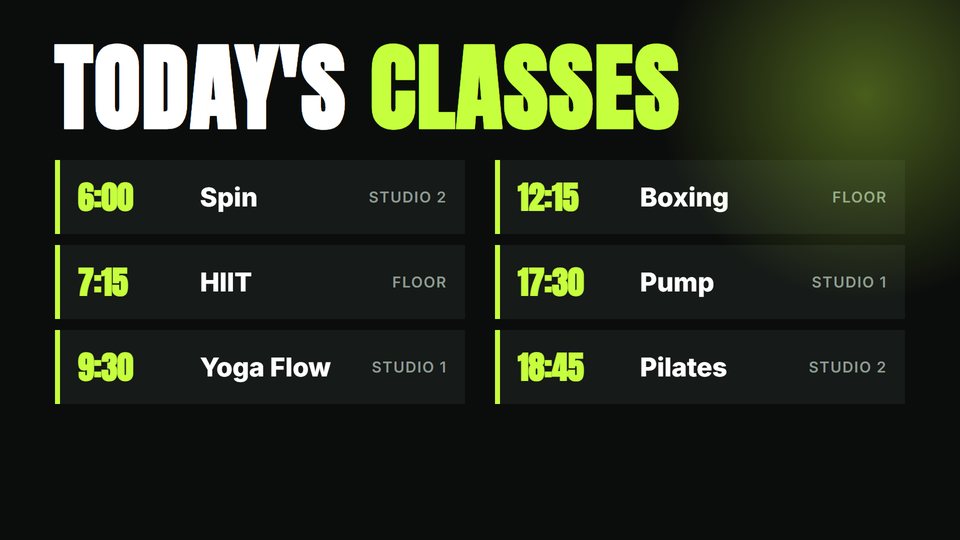
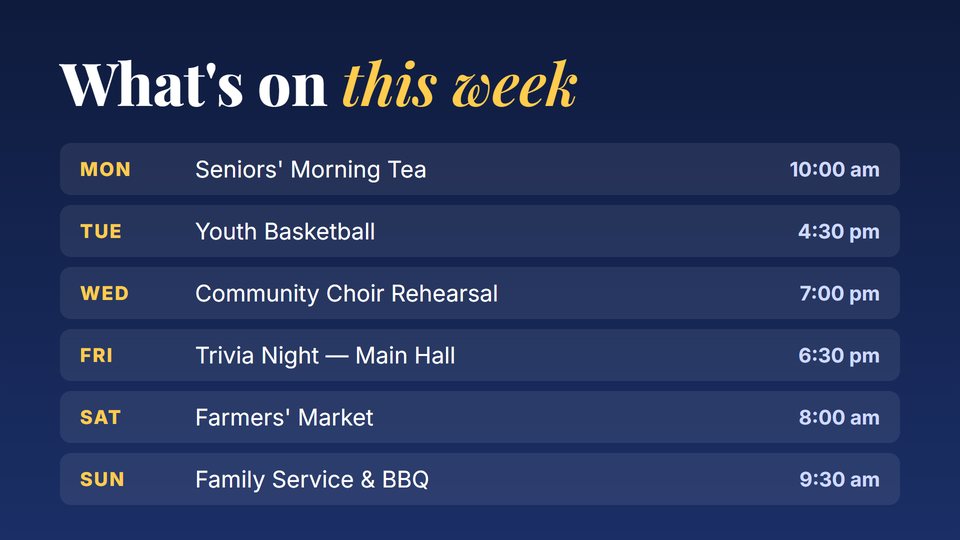
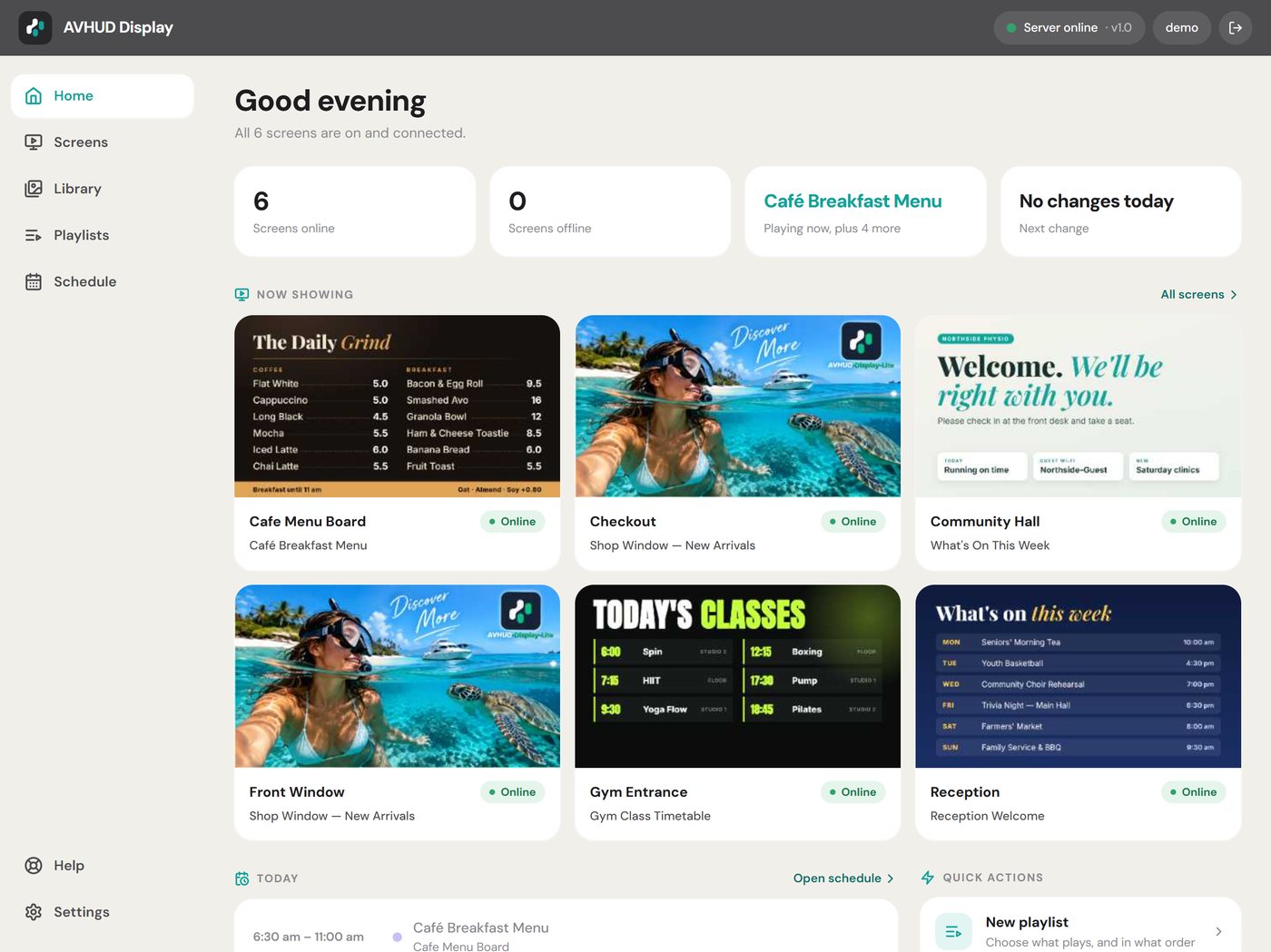
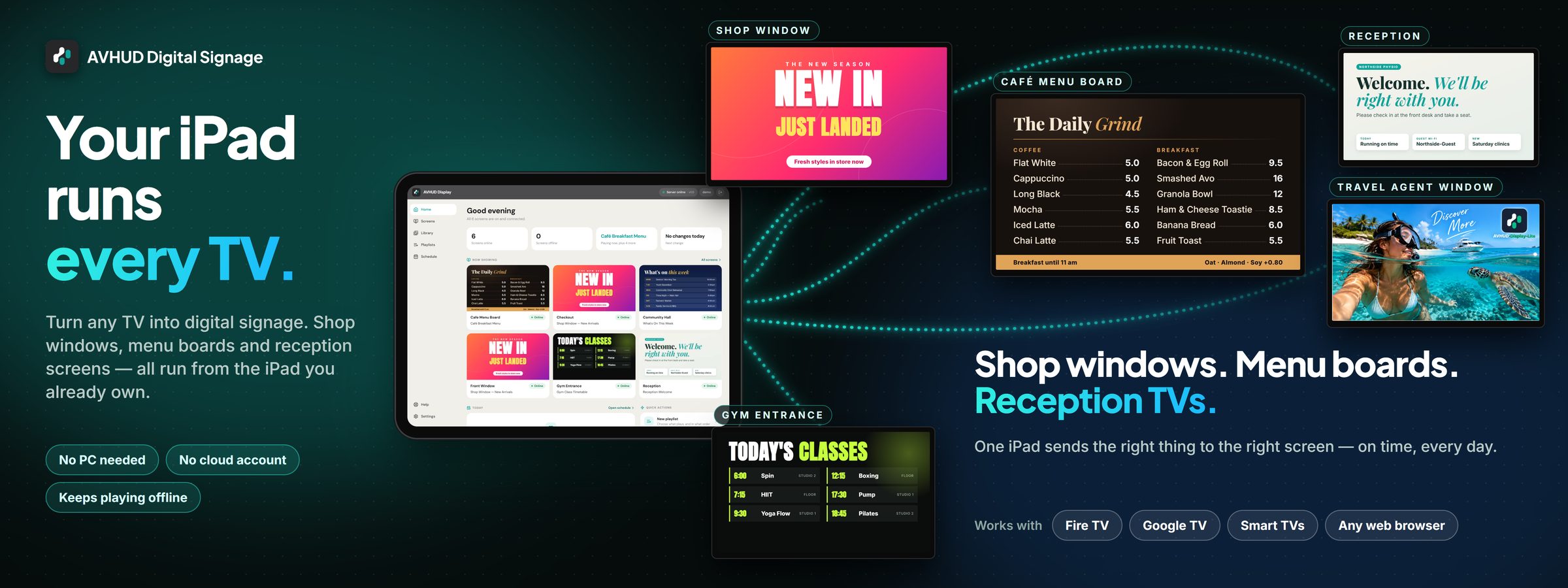
Shop windows. Menu boards. Reception screens. No PC, no cloud account, no IT project.
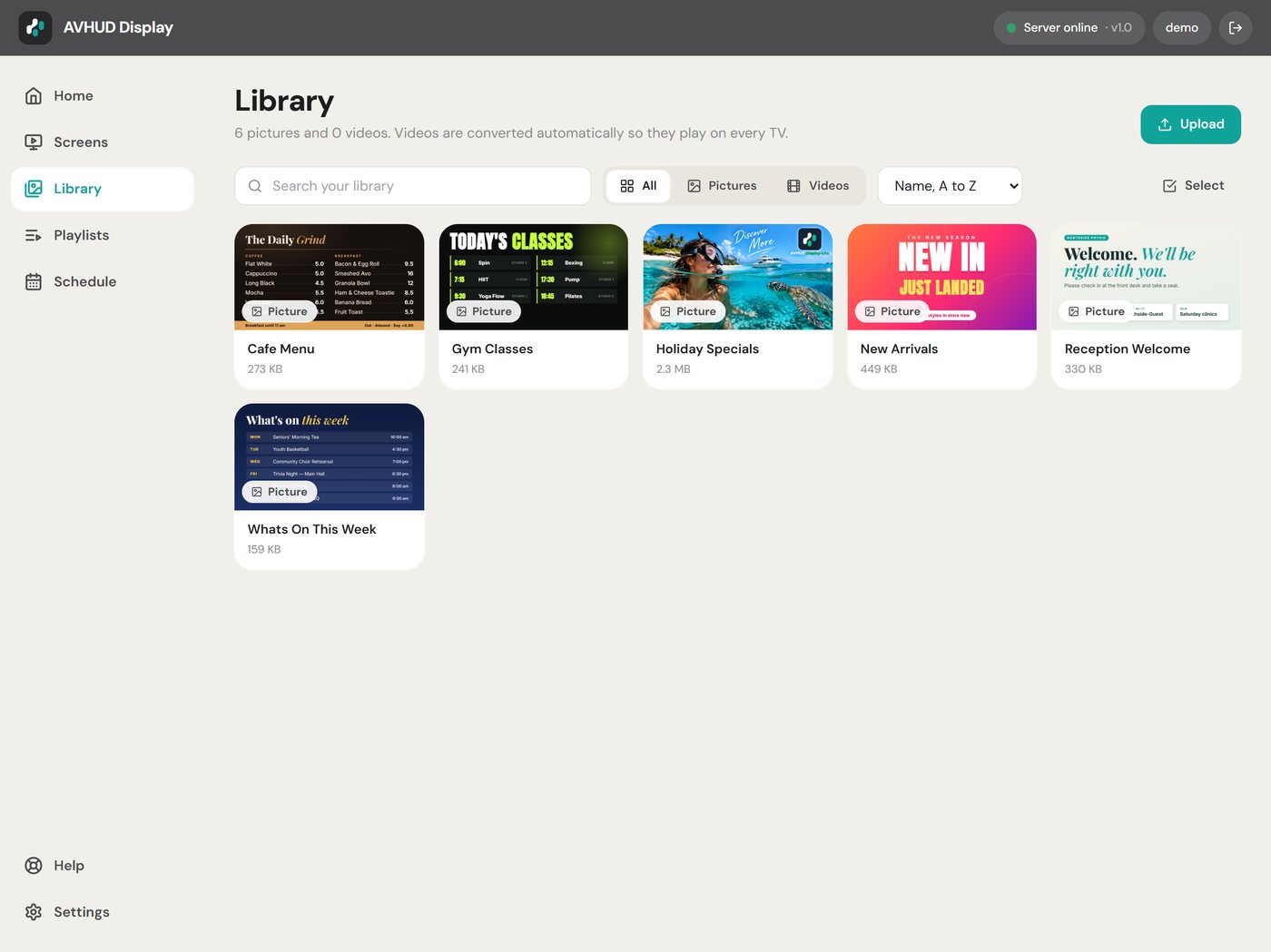
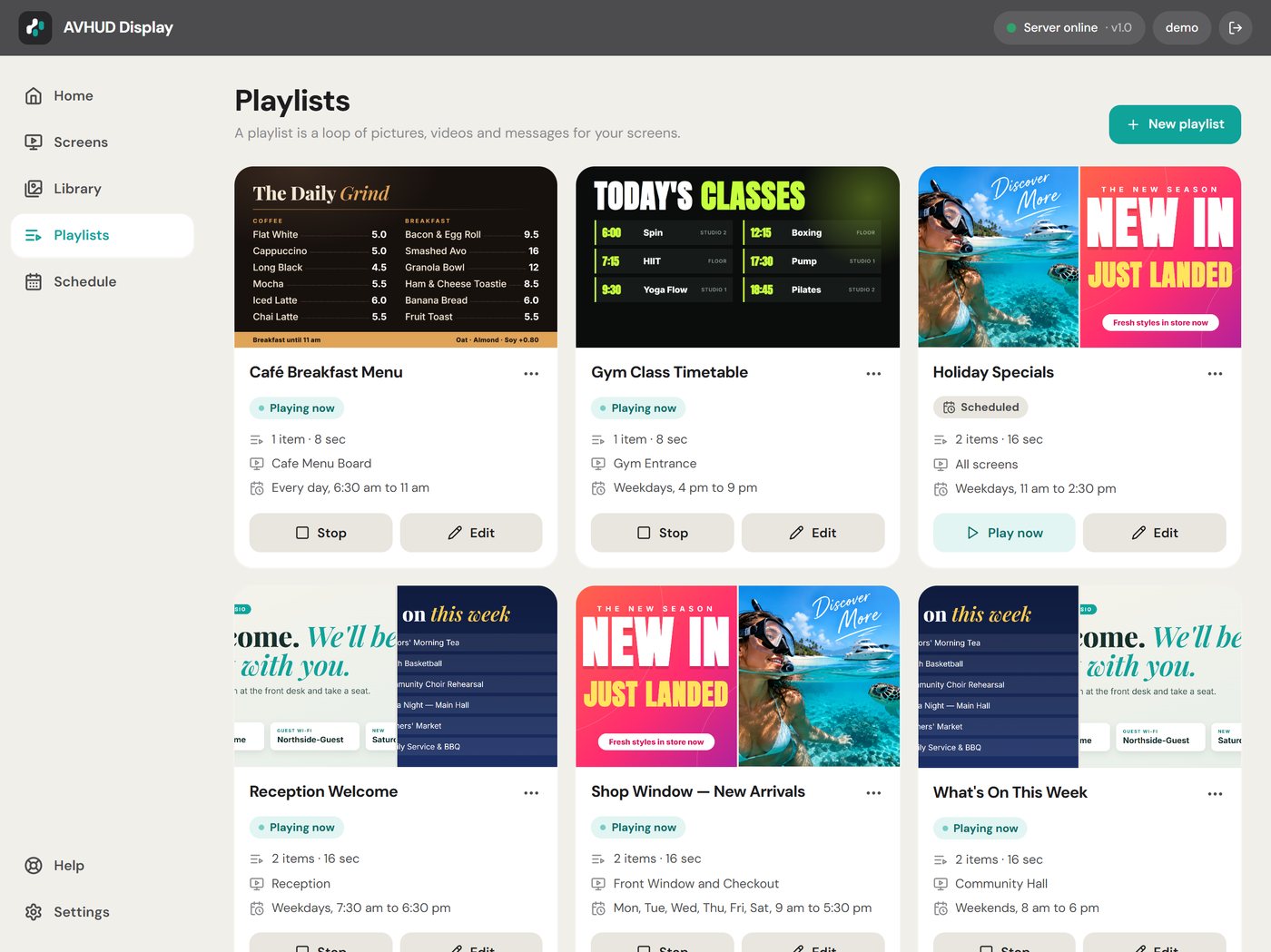
AVHUD Digital Signage turns an iPad into the brain of your screens. Drop in your pictures and videos, build playlists, put them on a weekly calendar — and the right thing plays on the right TV, on time, every day.

Built for the person who runs the place, not an IT department. If you can make a photo album, you can run your screens.
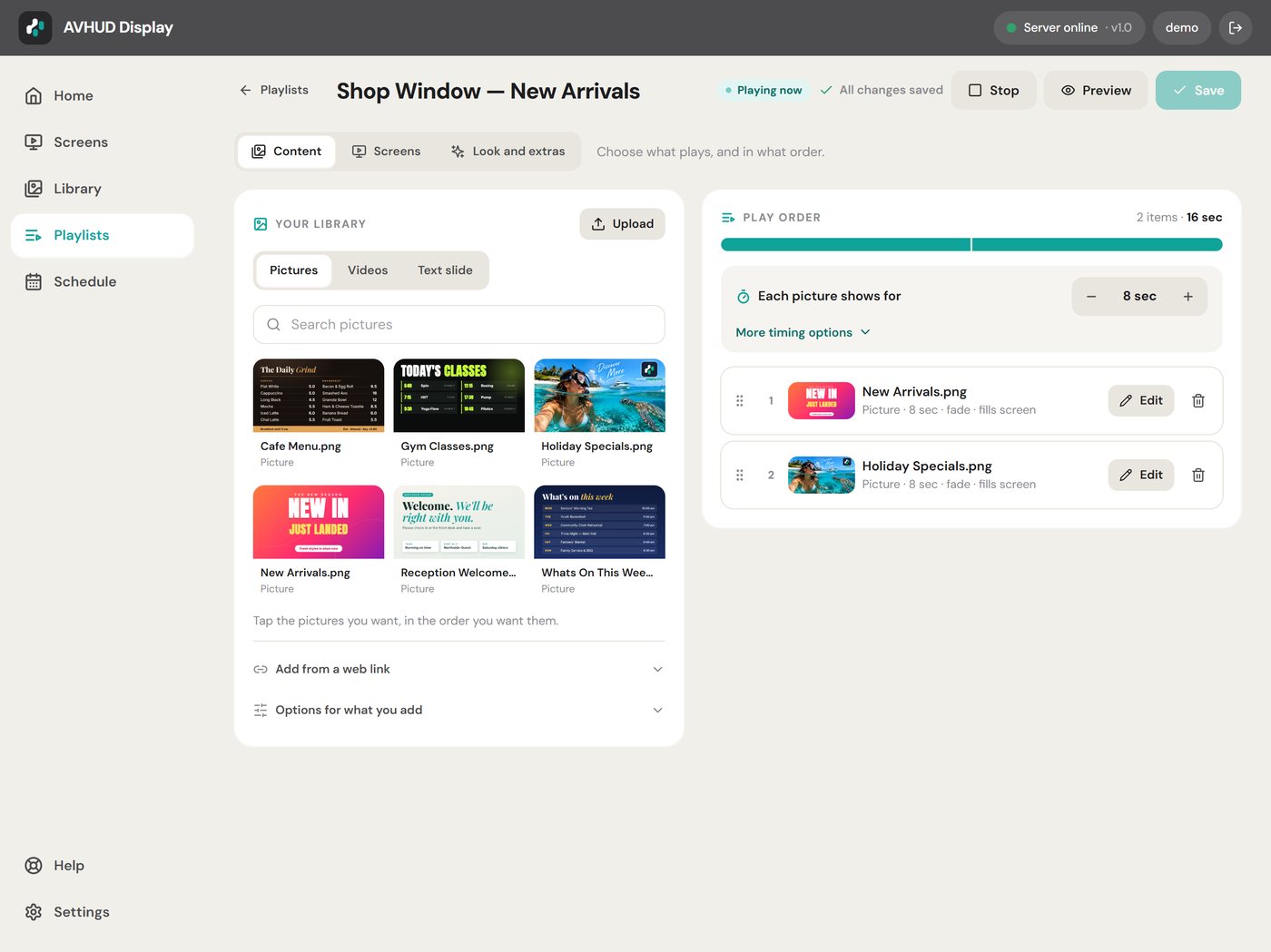
Drag them into order, set how long each one stays up, and choose which screens they play on. Add a clock, a scrolling ticker or a text overlay.
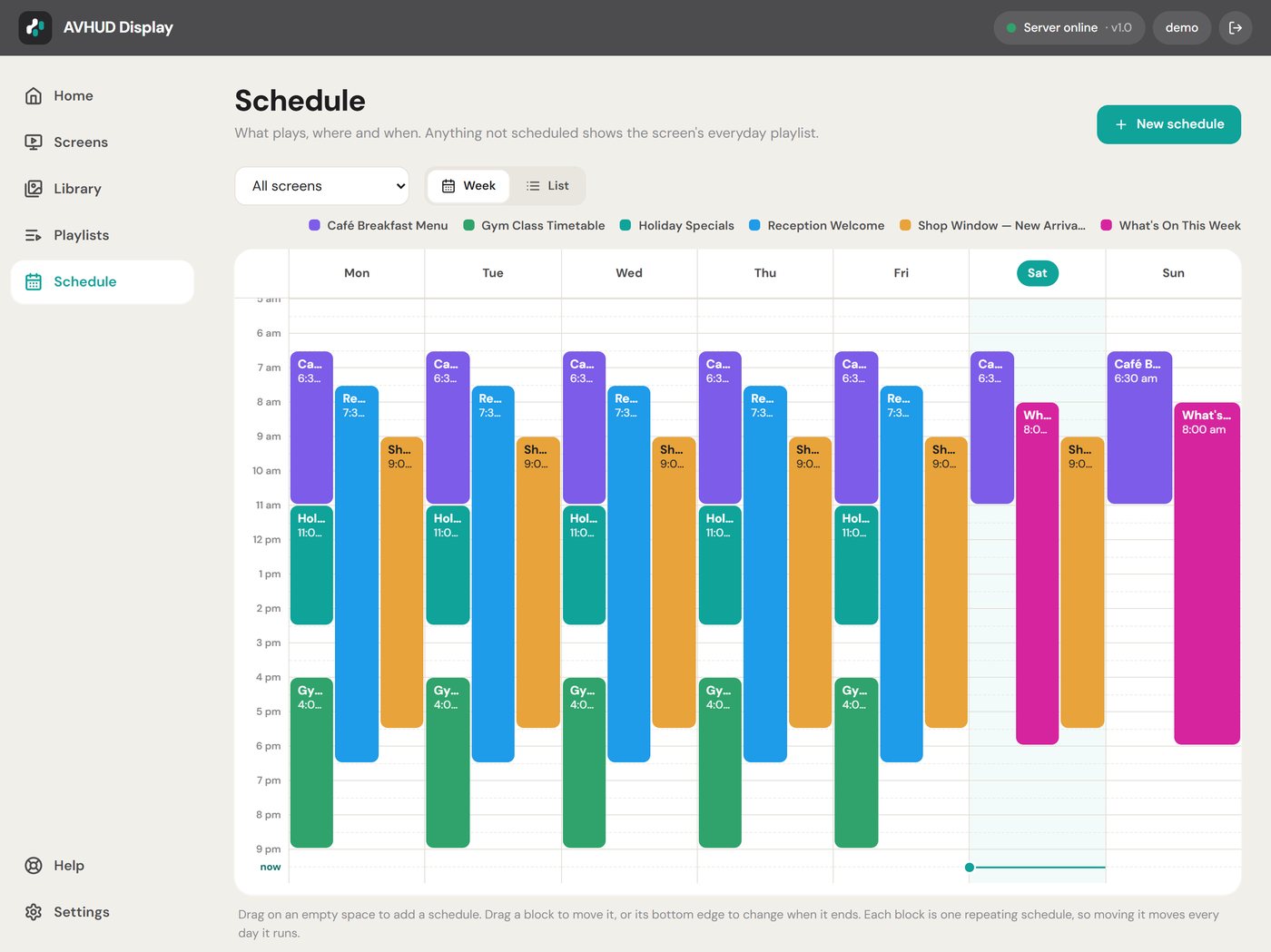
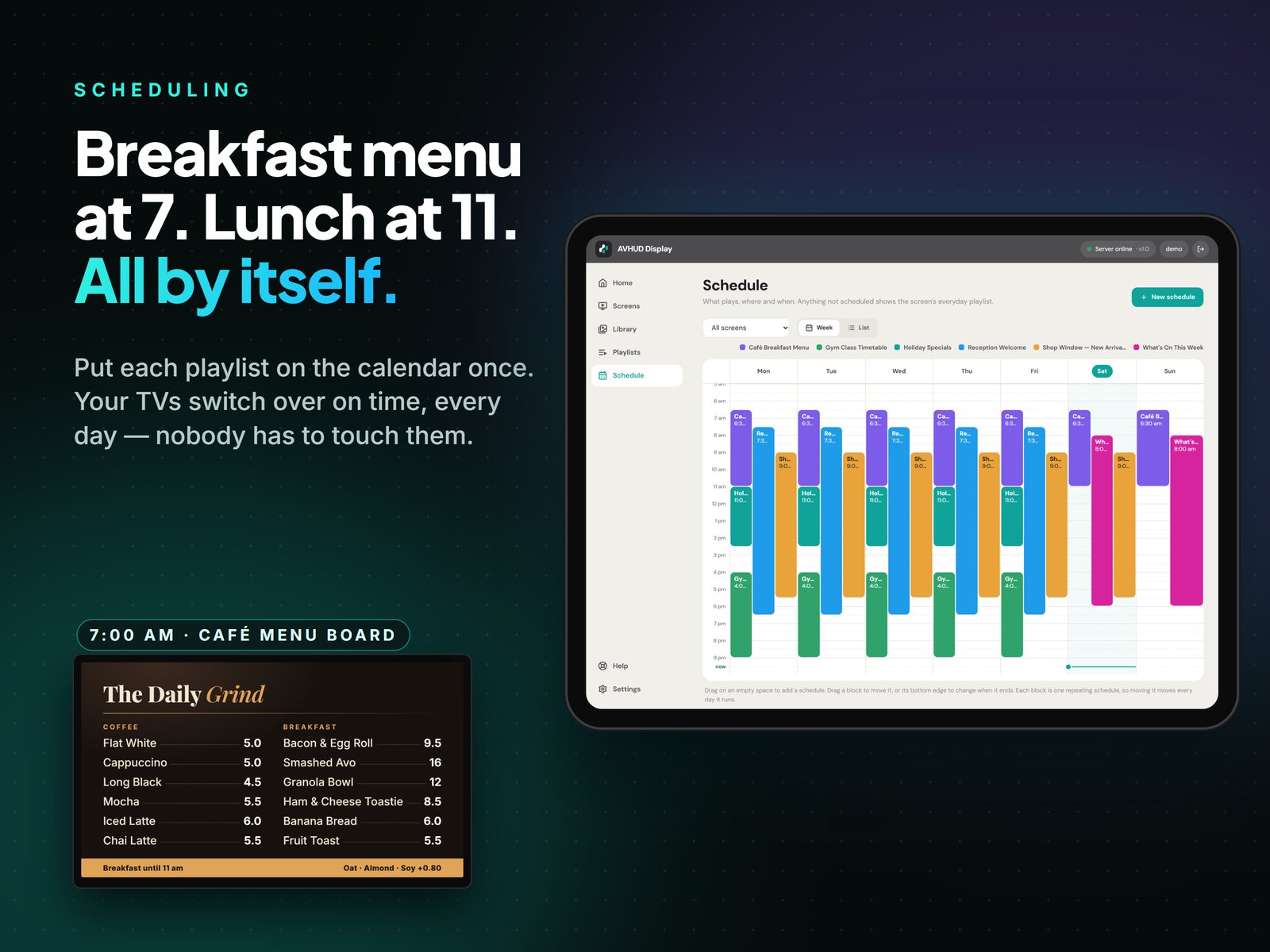
Breakfast menu at 7, lunch at 11, evening classes from 4. Put each playlist on the calendar once and the TVs switch over by themselves.
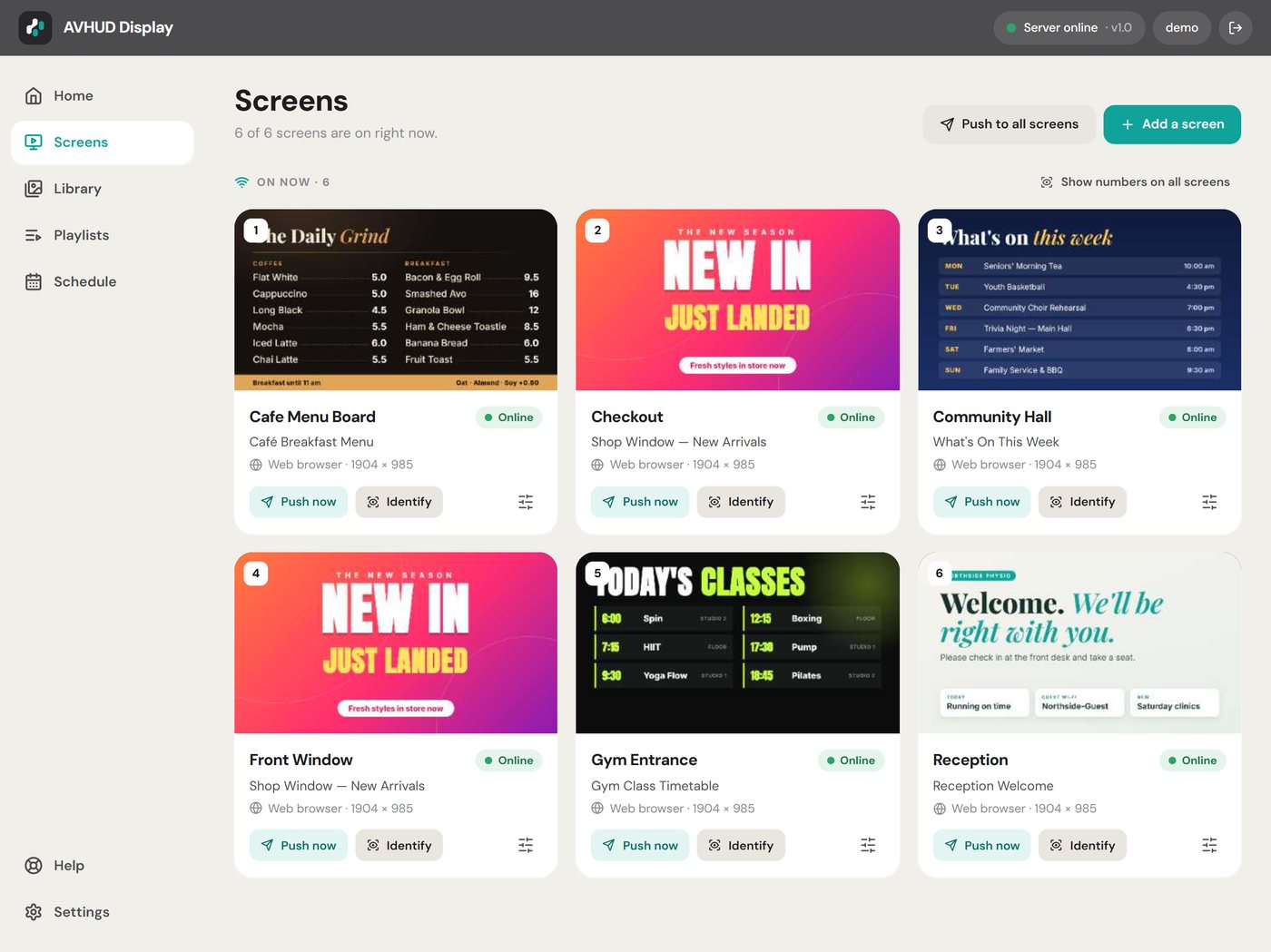
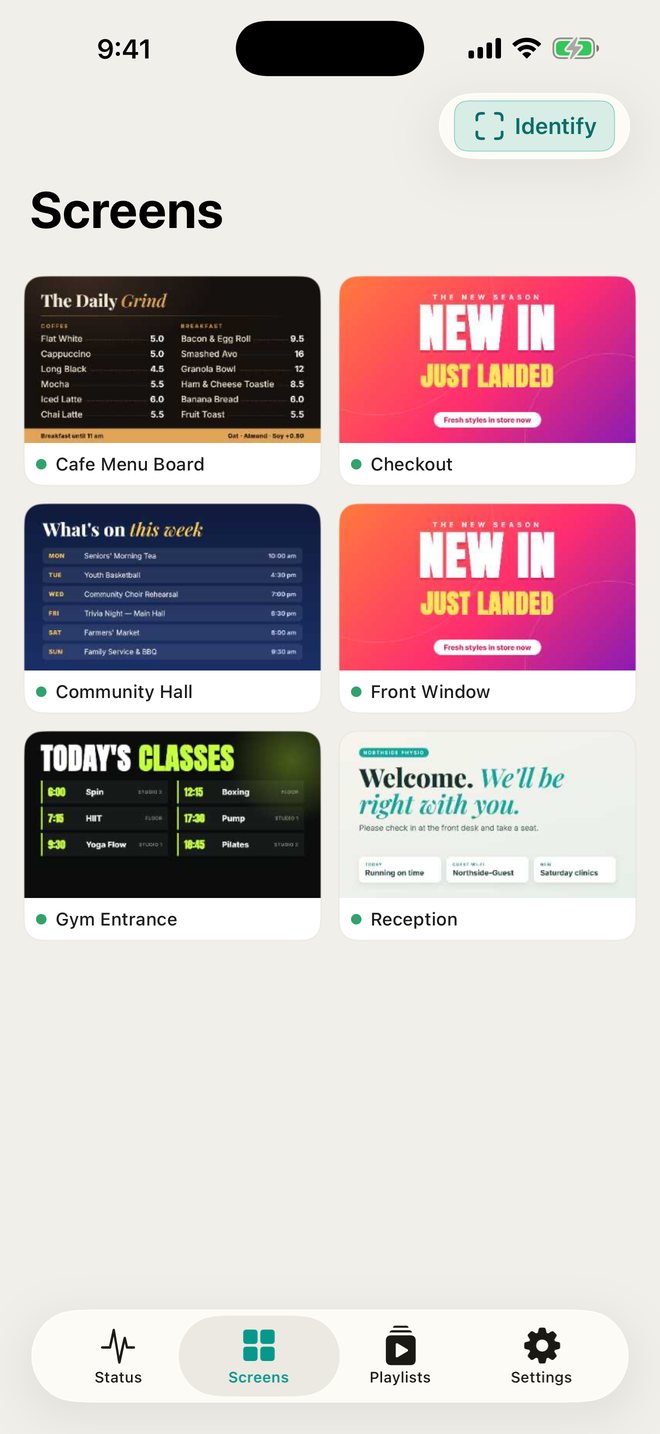
Real thumbnails show exactly what each TV is playing right now — from the iPad, any computer's browser, or your iPhone.
Send a picture or a video straight to one screen, or all of them, in a tap. Perfect for today's special or a last-minute notice.
Every TV keeps its own copy of what it's showing and starts up by itself, so your signage keeps running day after day.
The iPad is the server. There's no cloud account to sign up for and your content never leaves your own network.
Create your login. The iPad is now your signage server — keep it on charge with the app open.
Install the free TV app on a Fire TV, Google TV or Android TV and it finds the iPad by itself. Any other screen just opens a web address.
Straight from the iPad's photos and files, or from any computer on the same network using its web browser.
Press play. Add it to the calendar if it should only run at certain times. Done.
Make your signs in anything you like — Canva, PowerPoint, Photoshop, your phone's camera — and save them as pictures or videos. AVHUD puts them on the TVs.


The same dashboard runs on the iPad and in the web browser of any computer on your network, so you can set things up from your desk.


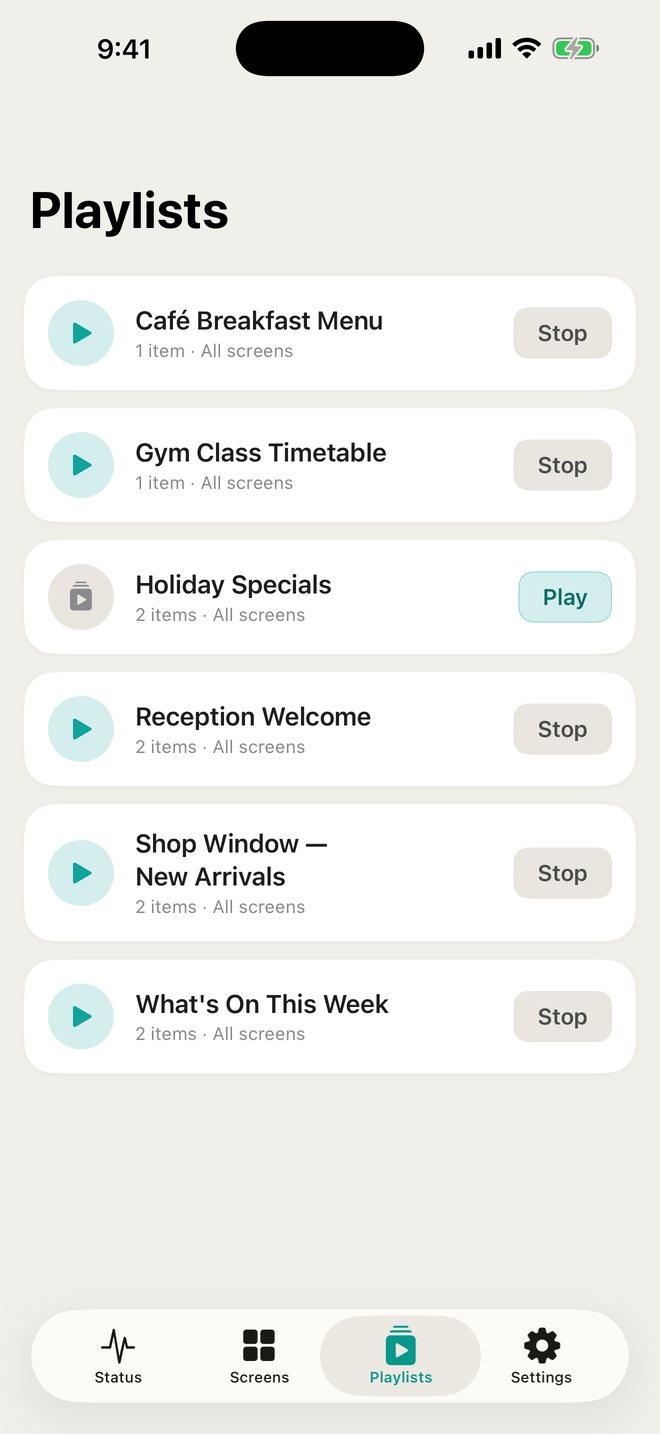
The free AVHUD Display Manager app for iPhone finds your iPad on the Wi-Fi and shows a live picture of every TV. Start or stop a playlist, push a photo to a screen, or check that everything's running — from anywhere in the building.
Look after more than one site? Save each one and switch in a tap. It works with AVHUD Display on a Windows PC too.


Any recent iPad. It stays on charge with the app open — the setup guide shows how to lock it to the app so nobody closes it by accident.
The iPad and the TVs need to be on the same network (the same Wi-Fi or cabling). No internet connection is needed once it's set up.
AVHUD Display for Windows runs larger sites from a PC, with the same dashboard. Ask us about it.
No per-screen fees, no hardware to buy from us, no lock-in. The TV app and the iPhone app are free.
Subscriptions are billed through the App Store and can be cancelled at any time. Prices in Australian dollars; other countries see their local price.
No. The iPad is the server. Everything runs on your own network and your content never leaves the building.
Amazon Fire TV, Google TV and Android TV with the free AVHUD Display TV app — and any other TV, tablet or computer that has a web browser. See the setup guide.
Each TV keeps its own copy of what it's showing and keeps playing. When the iPad is back it reconnects by itself. Schedule changes and new content need the iPad app open, which is why we show you how to lock the iPad to the app.
Yes. Open the address shown in the app in any web browser on the same network and you get the same dashboard — handy for uploading pictures and videos from your desk.
Pictures (JPG, PNG, GIF, WebP) and videos (MP4, MOV and others — they're converted for TV playback automatically). Make them in any design tool you like.
No. One subscription on the iPad covers every screen at that site, up to your plan's limit.
A few TV brands block apps from starting on their own. The TV app has a built-in check and an "Extra start-up method" switch for those; a Fire TV stick is the no-fuss fix. It's all in the setup guide.
Coming to the App Store for iPad. The setup guide is ready now.
Read the setup guide Ask a question